Creation Date: Aug 12, 2025
Created By: Tory Trone
View most recent version on Tango.ai
# United Church of God
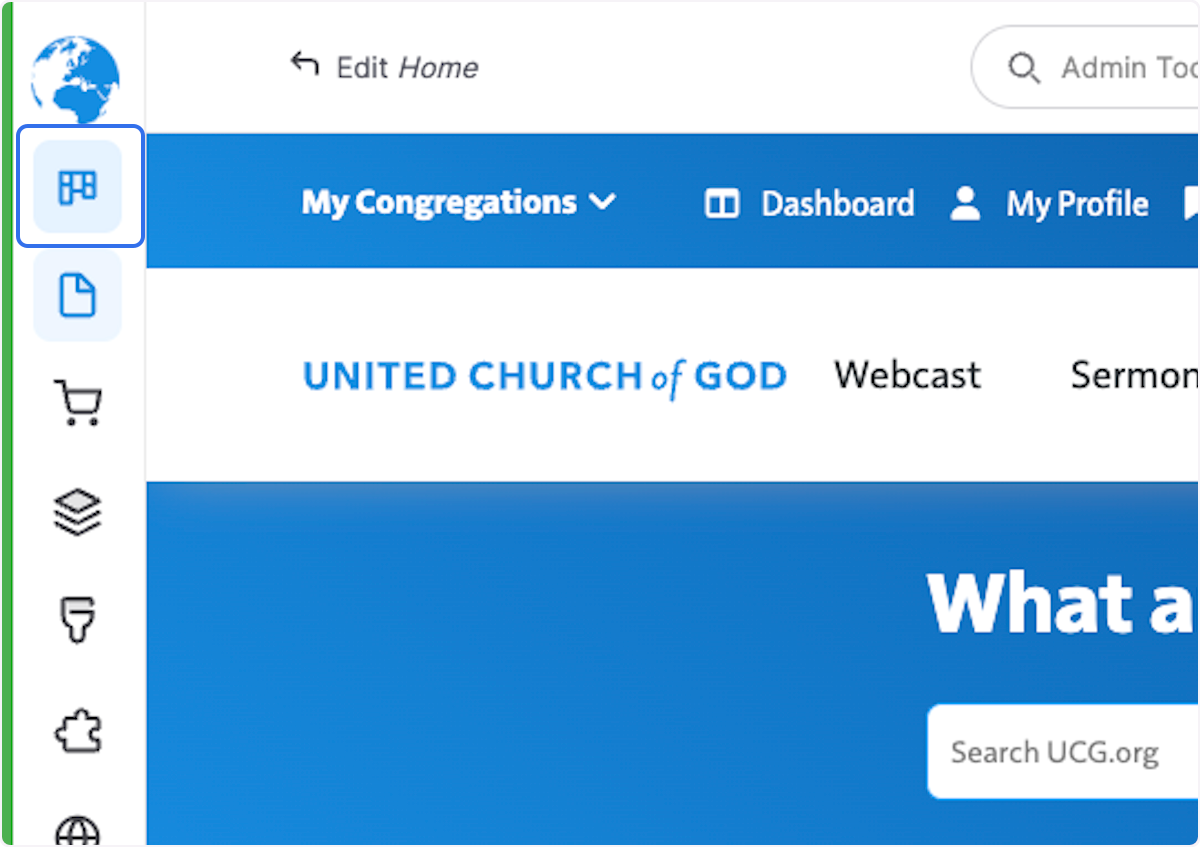
1. Click on Dashboard
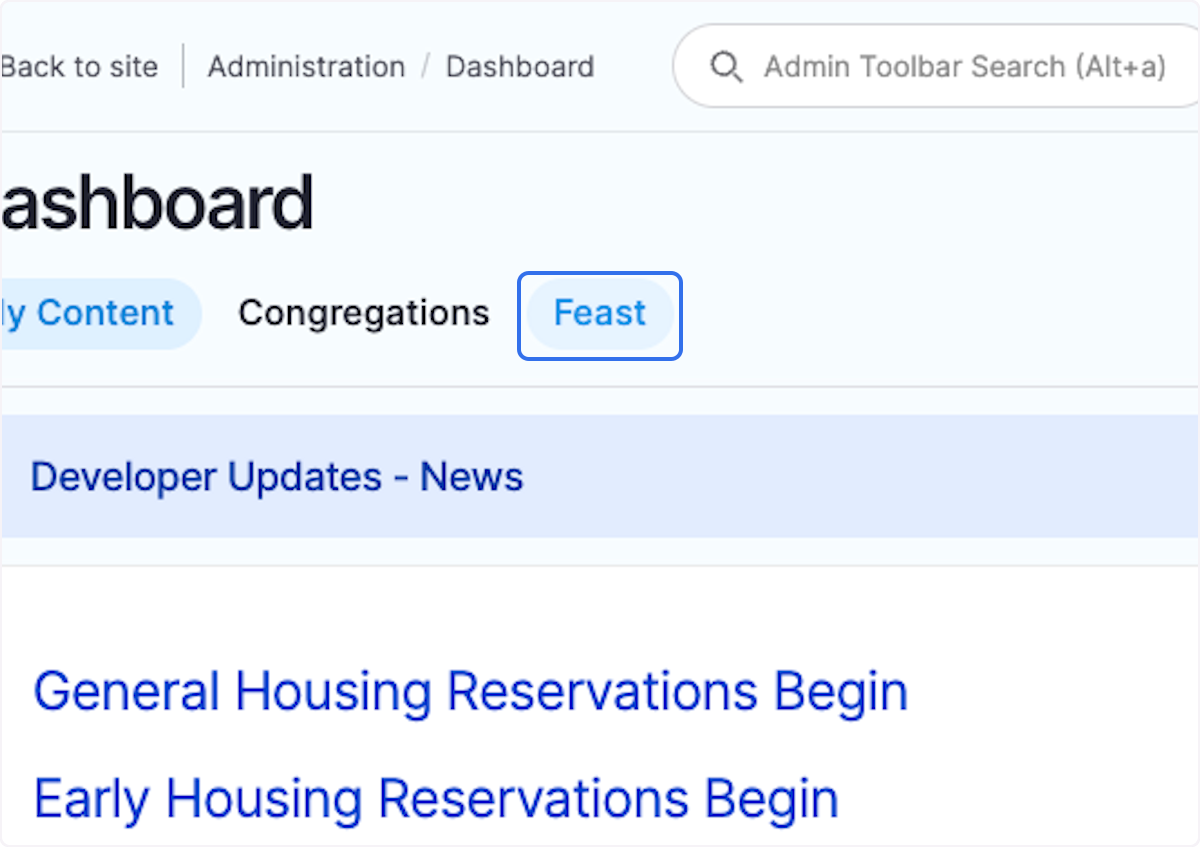
2. Click on Feast
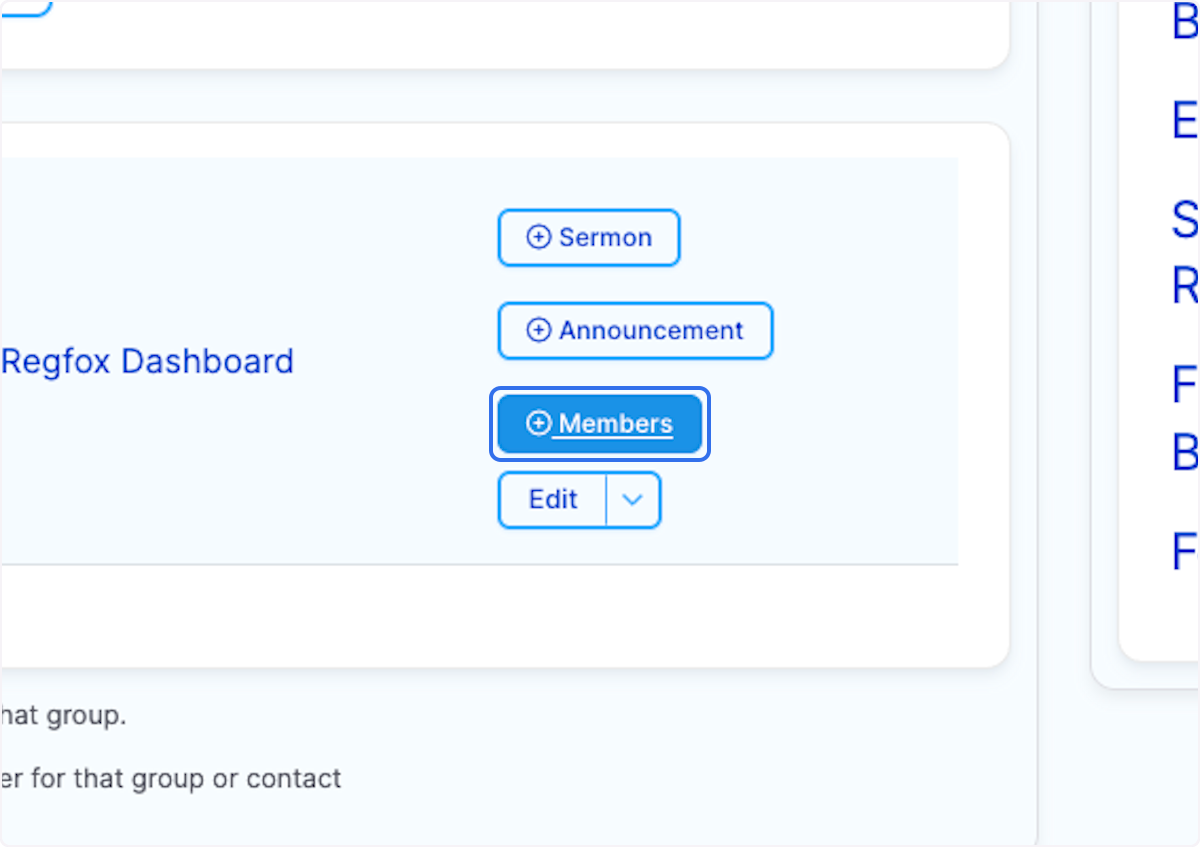
3. Click on the Members button within your Feast Site listing.
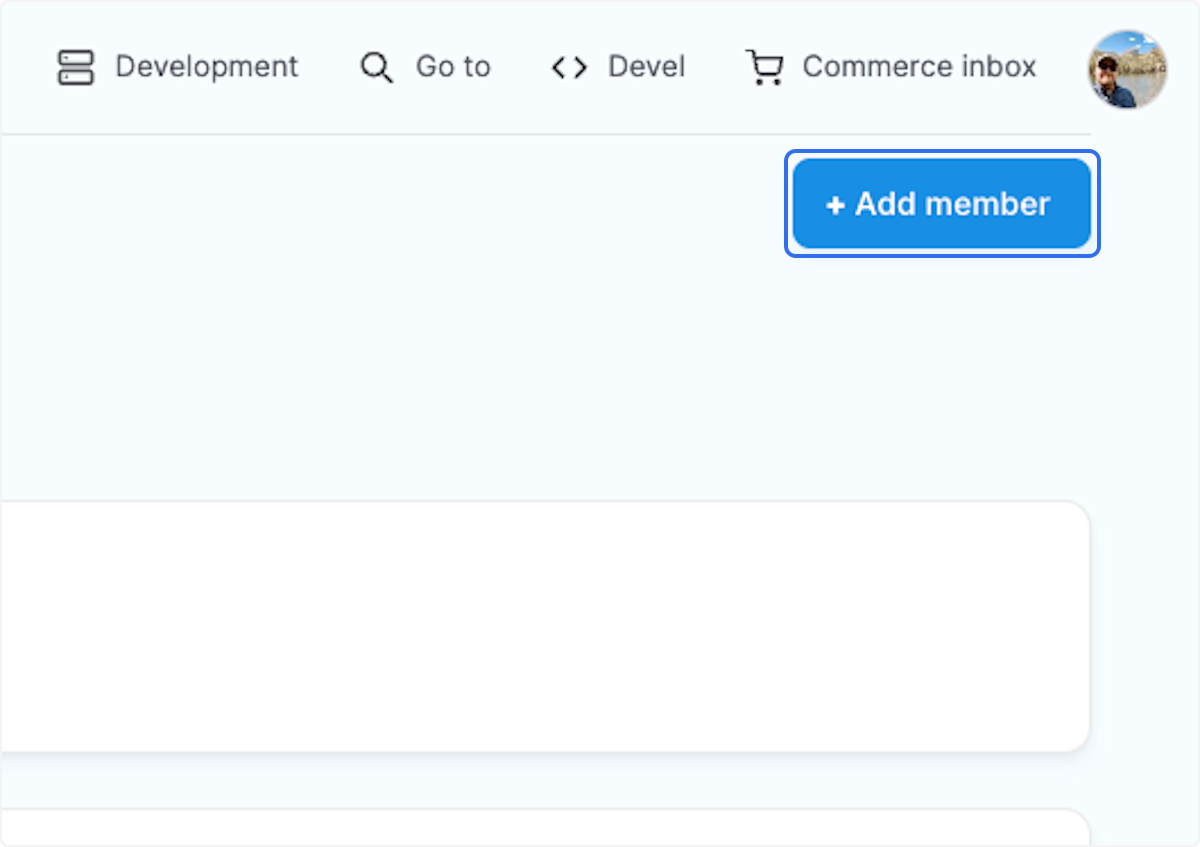
4. Click on Add member
5. Type the user name of the person you are adding to the group.
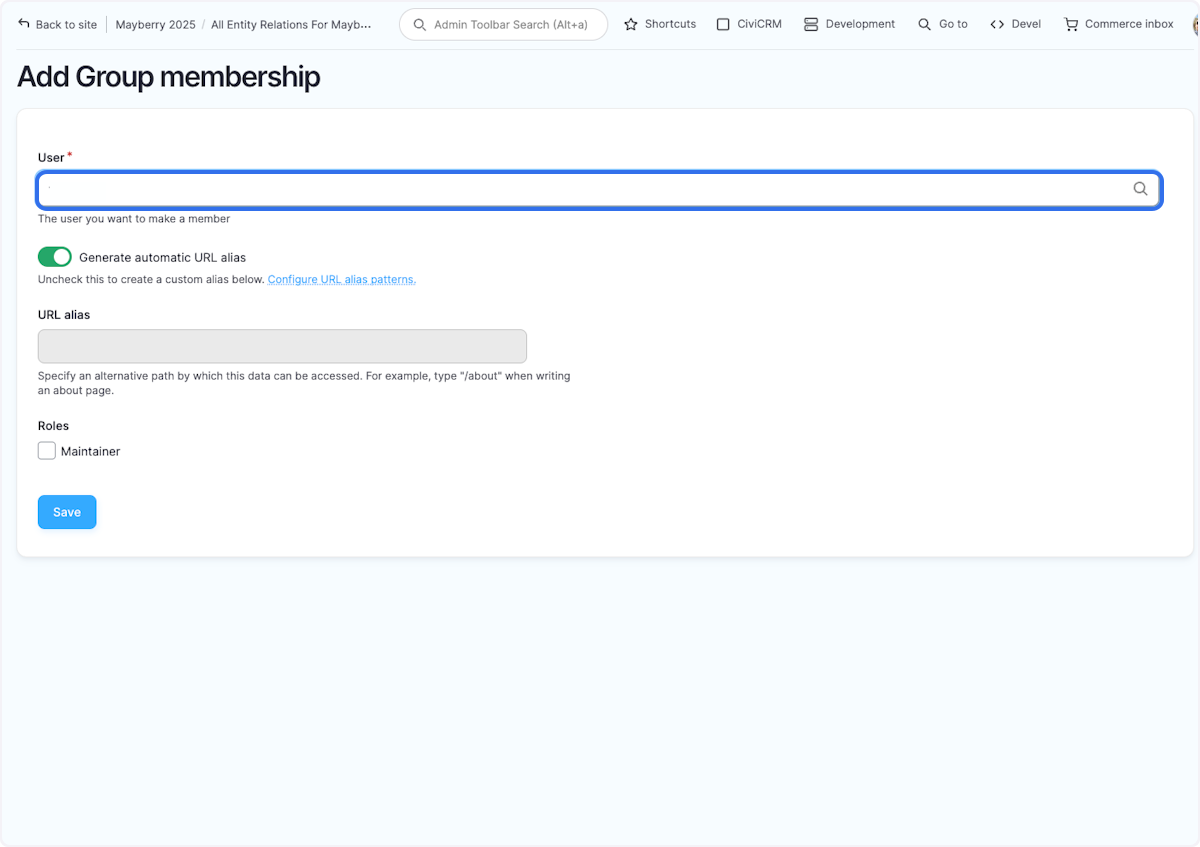
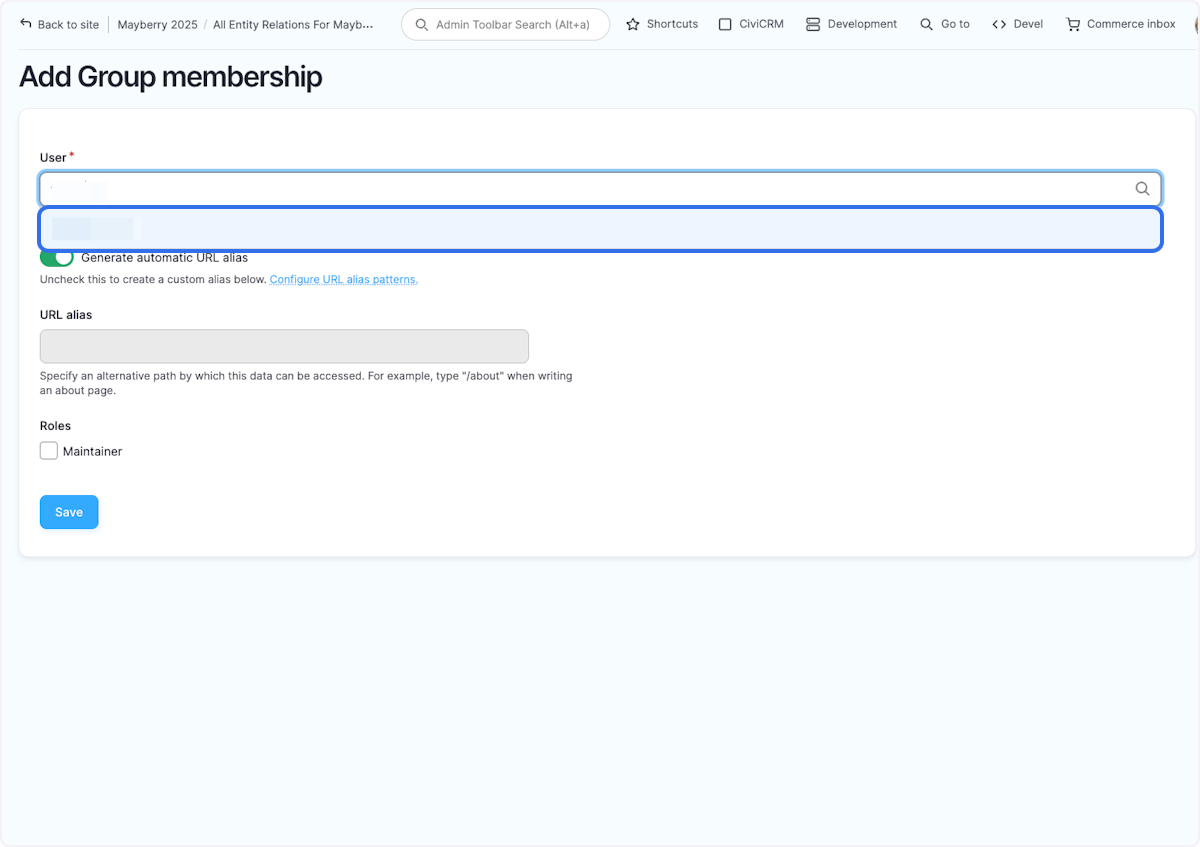
6. Click on their account name
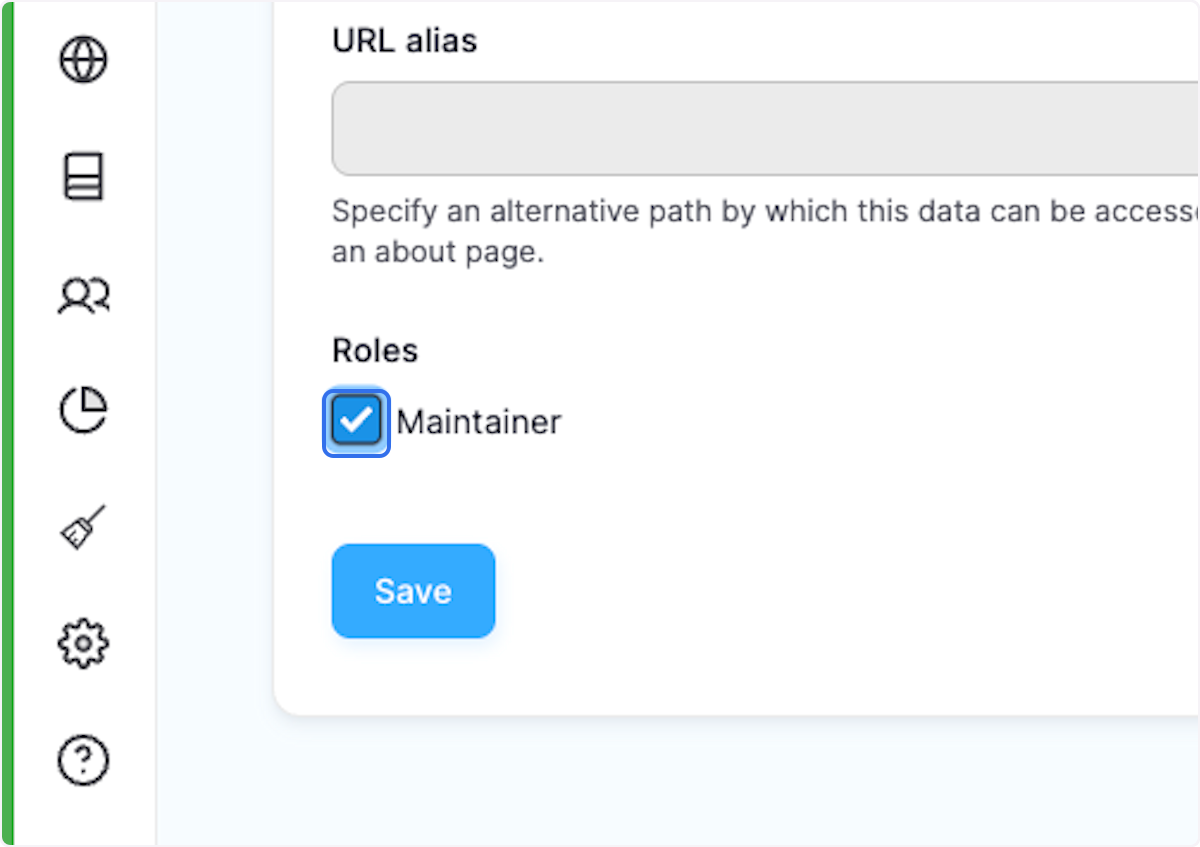
7. Check Maintainer
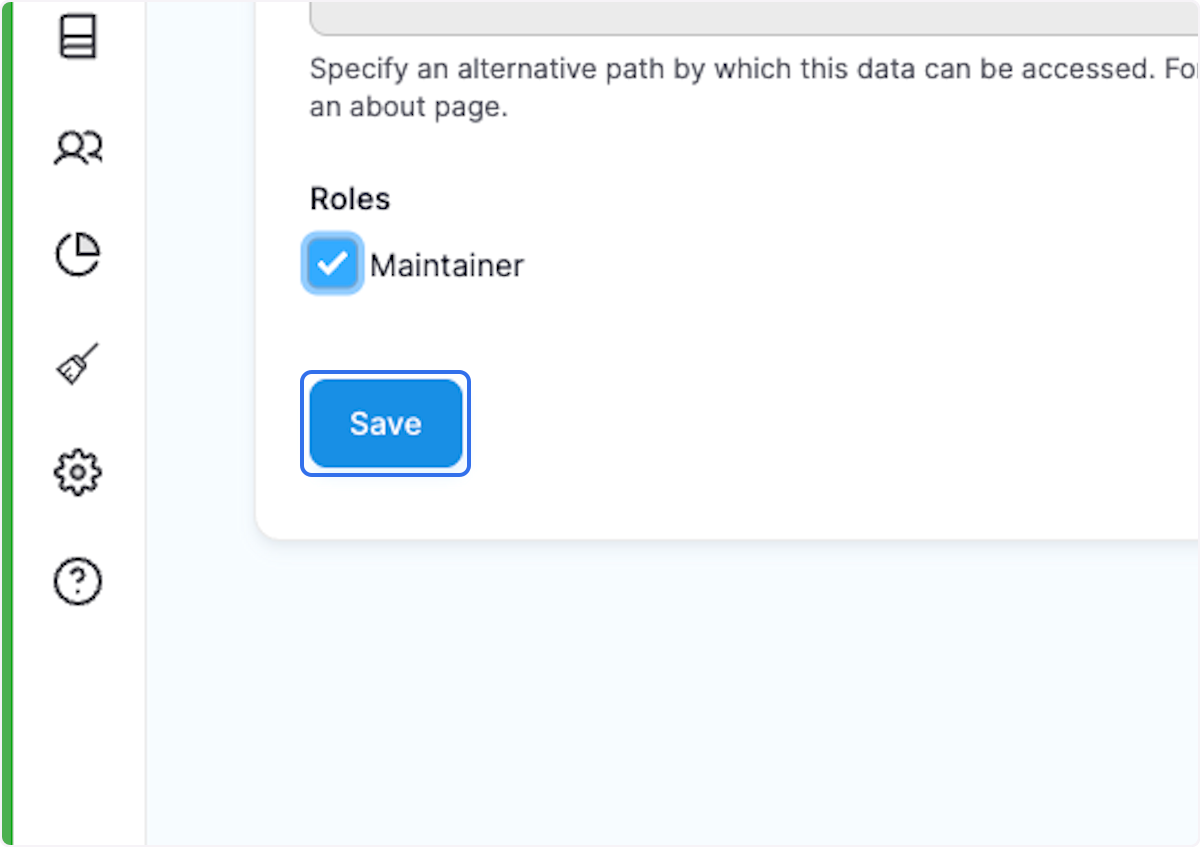
8. Click on Save
Created with Tango.ai
Was this article helpful?
That’s Great!
Thank you for your feedback
Sorry! We couldn't be helpful
Thank you for your feedback
Feedback sent
We appreciate your effort and will try to fix the article